AI Rap Video
Turn a photo into a video in three taps
Most photo to video AI tools give you an empty box and ask for a prompt. Here you start from what should happen: pick it, add your photo, and the scene is already written.
- Add a photo. A clear, face-forward picture. For two people, add one photo of each, or one photo of both.
- Pick what happens. Bring to Life, Hug, Dance, Earth Zoom Out or any other effect.
- Make it. The clip is ready in a few minutes. Download the MP4 and post it or send it.
What your photo can do
- Come alive: a blink, a breath, a smile, a look at the camera. The calmest way to make a photo move.
- Hug: two people from your vocals and a photo share a warm hug.
- Dance: you, or the two of you, dancing a full choreography.
- Earth Zoom Out: the camera pulls back from your face to the whole planet.
- Future Baby: a couple from your vocals and a photo holding their future baby.
- Car Jump, Raindance, AI zombie: this week's trend clips.
- And more: money rain, red carpet, angel wings, 80s camcorder, Halloween costume. See all AI video effects.
Which photos work best
- Sharp and face-forward. The faces in the video follow your photo, so a clear, well lit picture matters most.
- Upper body is enough. The AI draws the rest of the scene; you do not need a full-body shot.
- No hats or sunglasses hiding the face, and one face per photo when you upload vocals and a photo.
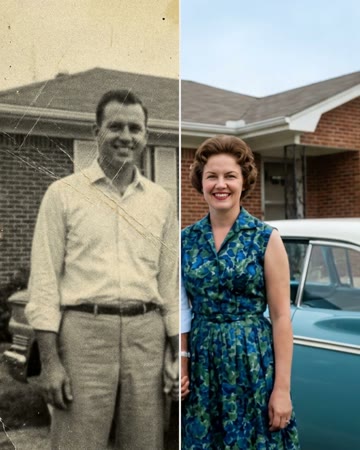
- Old photos: restore them first (free), then animate the restored picture.
Photo to video, or a rap video?
The same photos can also become a rap music video of the two of you: switch to the rap video template, upload your vocals and a photo, and we lip-sync the performance on stage, like the Hotel Lobby AI trend.